


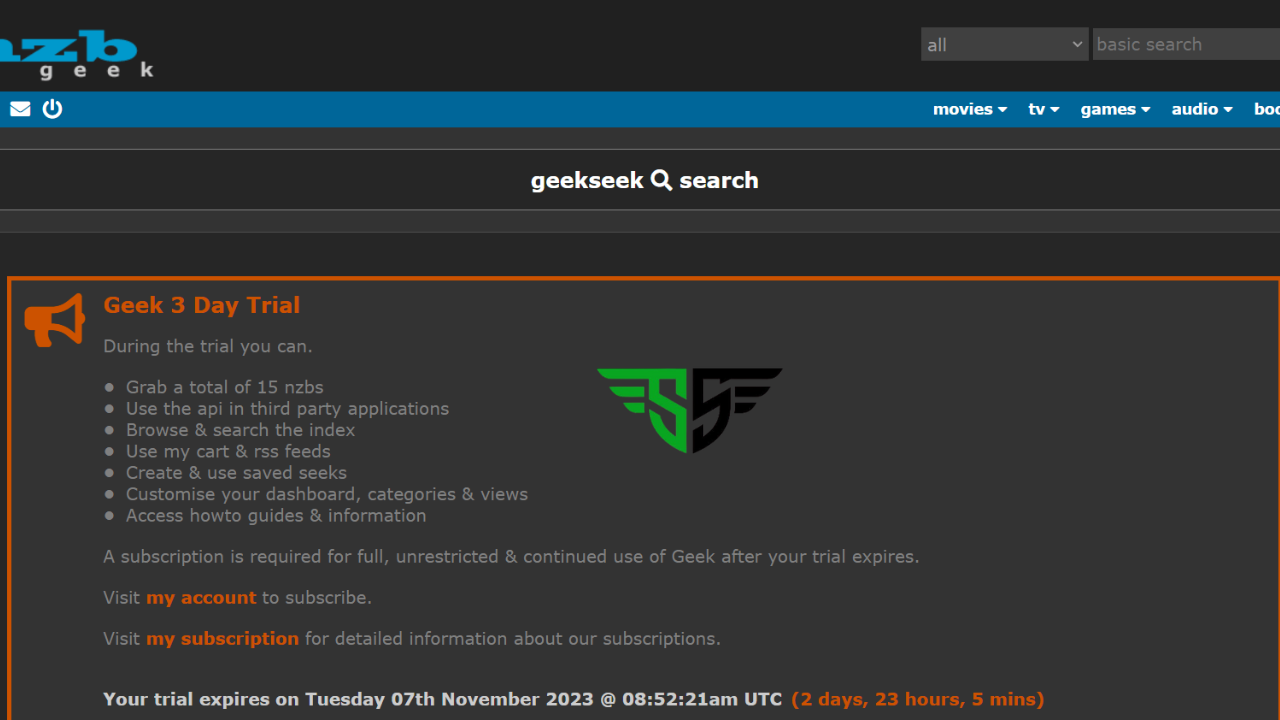
If you’ve ever heard of NZBGeek and wondered what it is, you’re not alone. Many people searching for an easy way to explore Usenet newsgroups stumble across this name and want to know how it works. Don’t worry—this guide explains NZBGeek in the simplest way possible, so even if you’re completely new, you’ll understand everything by the end.
What Exactly Is NZBGeek?
At its core, NZBGeek is a Usenet indexer. Think of it like a search engine, but instead of finding web pages like Google, it helps you discover NZB files. These NZB files act like maps that point your Usenet client to the exact location of the content you want to download.
While Usenet itself is an old technology (older than the World Wide Web!), sites like NZBGeek make it modern, user-friendly, and easy for anyone to use. Without NZB indexers, browsing Usenet would feel like searching through an endless library with no signs. NZBGeek adds structure, organization, and convenience.
Many users describe NZBGeek as one of the most reliable Usenet indexing services because it has an active community, frequent updates, and a strong reputation. Whether you’re a casual user or a long-time Usenet fan, NZBGeek makes searching and downloading much easier.
Why Do People Use NZBGeek?
The main reason people use NZBGeek is convenience. Instead of manually digging through complicated Usenet groups, you can simply log in to NZBGeek and search by keyword. For example, if you want a specific NZB file, you just type the name, and the platform finds it for you.
Other reasons include:
- User-friendly interface – Beginners love NZBGeek because it looks simple and works smoothly, unlike some confusing indexers.
- Huge community support – The NZBGeek forum is active, with users sharing tips, fixes, and updates.
- Automation tools – With the NZBGeek API, you can connect apps like Sonarr, Radarr, or NZBGet for automated downloads.
- Frequent updates – The database is updated daily, so users get fresh and reliable results.
- Affordable membership – Compared to many indexers, NZBGeek has fair pricing with options like lifetime accounts or annual plans.
In short, people use NZBGeek because it saves them time, effort, and headaches.
How To Join NZBGeek (It’s Easy!)
If you’re curious about trying NZBGeek, the good news is that joining is simple. Unlike some private Usenet indexers that are extremely hard to access, NZBGeek often has open registrations and even offers invite options.
Here’s how it works:
What Is an NZBGeek Invite?
An NZBGeek invite is a special link given by existing members that allows new users to join. Think of it like getting a VIP ticket to a private club. While NZBGeek sometimes opens free registration, invites ensure you can always get in—even if sign-ups are closed.
Many users search online for “NZBGeek invite 2025” or “NZBGeek invite code.” The safest way is through the official NZBGeek forum or from a trusted member. Be careful of fake sites offering invites, as these can be scams.
When Is Registration Open?
NZBGeek registration usually opens at random times throughout the year. During these windows, anyone can sign up without needing an invite. It’s always a good idea to follow NZBGeek news updates on their official site or forum to know when registrations are open.
Can I Join Without an Invite?
Yes, absolutely. If the NZBGeek site is showing open registration, you can create an account directly. All you need is a username, email address, and password. Once your account is ready, you can log in and start exploring.
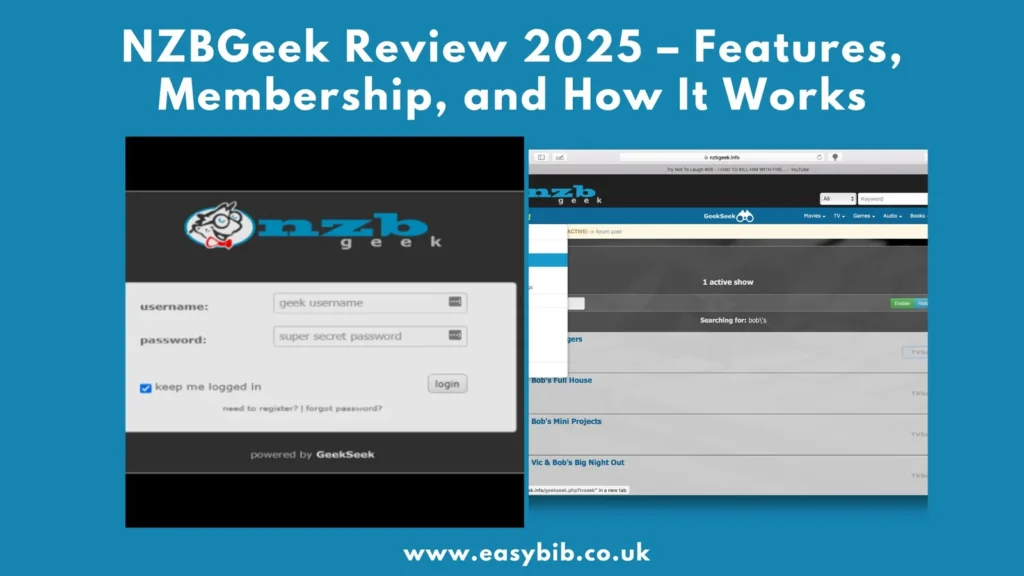
NZBGeek Login – Step-by-Step
Logging into NZBGeek is simple, but beginners sometimes get confused if they’re using proxies, VPNs, or mirror links. To make it easy:
- Go to the NZBGeek official site.
- Click on the Login button in the top-right corner.
- Enter your username and password.
- If you’ve enabled two-factor authentication (2FA), enter the code.
- Once logged in, you’ll see the NZBGeek dashboard with search tools, forums, and settings.
Many users recommend using a VPN with NZBGeek login for extra safety.
What Is an NZB File?
To understand NZBGeek, you must know what an NZB file is. An NZB file is basically a small text file that contains information about where a specific piece of content is stored on Usenet.
Instead of downloading directly, your Usenet client (like NZBGet or SABnzbd) reads the NZB file and automatically grabs the data for you. Without NZB files, Usenet browsing would be nearly impossible for beginners.
So, NZBGeek’s role is to make these NZB files searchable, organized, and downloadable.
Cool Things You Can Do on NZBGeek
Once you’ve joined and logged in, you’ll see that NZBGeek offers more than just basic searching.
Use the Search Tool
The NZBGeek search engine lets you type in any keyword and instantly find NZB files. Results are categorized, so you can filter by type, size, or date. This makes it much easier than scrolling through messy Usenet groups.
Add Favorites
With an NZBGeek account, you can mark files or categories as favorites. This way, you can return to them anytime without searching again. It’s a small feature, but it makes the experience more personal.
What Is the NZBGeek API?
One of the most powerful features is the NZBGeek API. This allows you to connect external apps like Sonarr, Radarr, CouchPotato, or Lidarr. These apps automate the process of finding, grabbing, and sending NZB files to your downloader.
For example:
- Sonarr + NZBGeek API = automatic TV show downloads.
- Radarr + NZBGeek API = automatic movie downloads.
This automation is why many advanced Usenet users prefer NZBGeek over alternatives.
Is NZBGeek Safe to Use?
Safety is always a big concern. The good news is that NZBGeek is generally safe when used correctly. It has been around for years, has an active moderation team, and runs on secure connections (HTTPS).
That said, you should always use:
- A VPN to protect your privacy.
- A reliable Usenet provider with SSL connections.
- Official NZBGeek domains (avoid fake clones).
By following these simple steps, you’ll enjoy safe and secure access.
The Bottom Line
NZBGeek is more than just a Usenet indexer—it’s a helpful tool that makes exploring Usenet simple, safe, and beginner-friendly. From its easy registration process to powerful features like the API and favorites system, it’s no surprise that many call it one of the best Usenet indexers available today.
If you’re new, you’ll love the clean interface and community support. If you’re advanced, you’ll appreciate the automation and API features. No matter who you are, NZBGeek makes Usenet accessible.
